
Recording Streams for Later Viewing with Cam&Cam
How Recording Works
Wondering if you can record your camera streams using Cam&Cam for later viewing? The answer is yes, and here’s how you can do it:
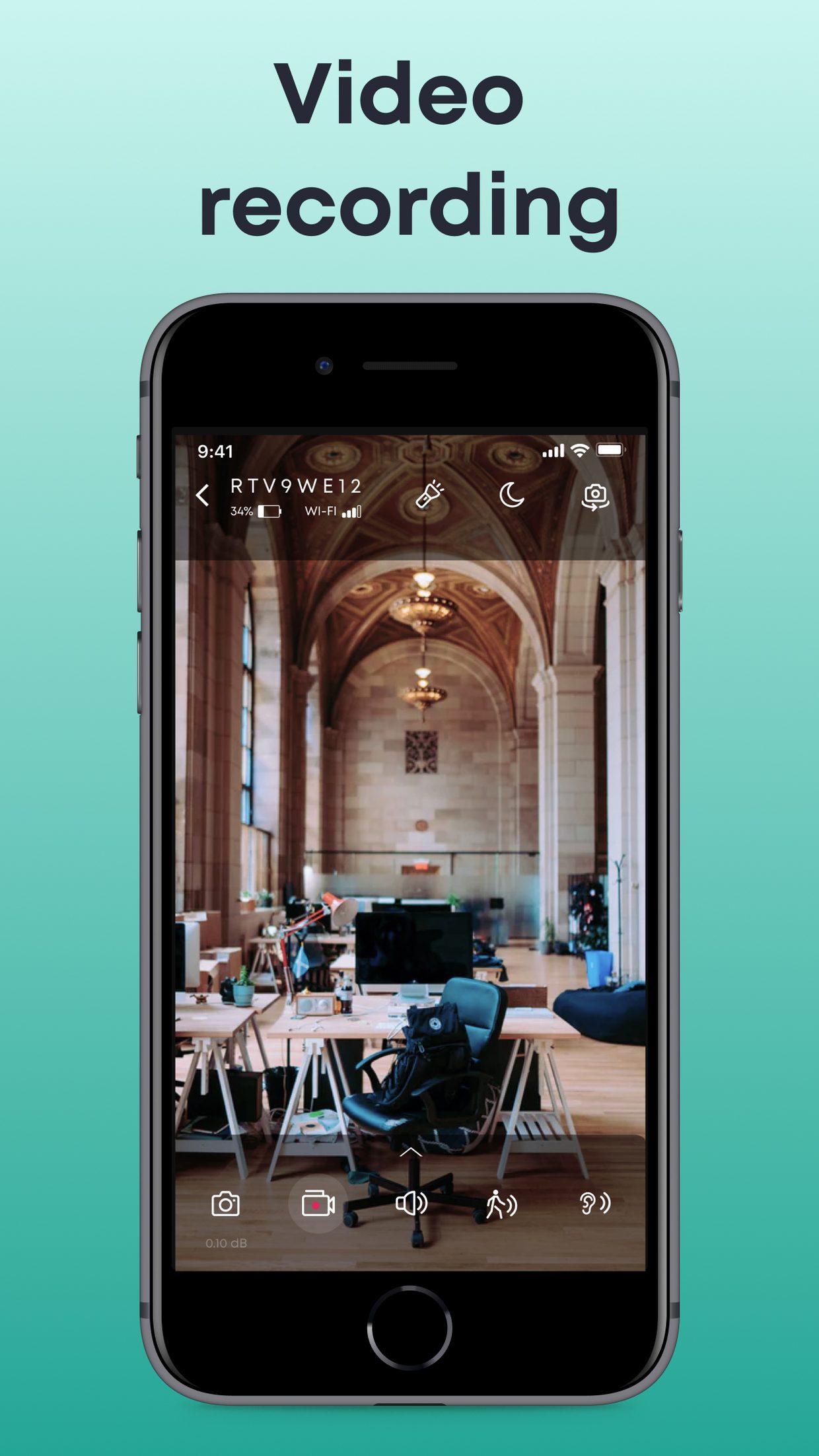
- Built-In Recording: Cam&Cam supports built-in stream recording directly from your IP camera app.
- Storage: recordings triggered by motion or sound are saved to our server and kept for 7 days — download the ones you want to keep to your phone.
- Playback Convenience: Easily access and replay your recorded videos directly from the camera app.

Detailed Steps for Recording and Viewing Streams
Here’s how you can easily set up recording in your Cam&Cam IP camera app:
-
Accessing Recording Features
Start by downloading the Cam&Cam app from the Camera App Store. After the camera app download and installation, open the app and navigate to the recording settings. You’ll find options to start recording manually or set up automatic recording based on specific triggers, such as motion detection.
-
Selecting Storage Options
Cam&Cam offers flexible storage options for your recordings. Manual recordings are saved straight to your phone's gallery; motion and sound clips are stored on our server for 7 days. This flexibility allows you to manage your recordings according to your storage capacity and needs.
-
Viewing and Managing Recordings
Once your streams are recorded, you can easily access them through the app’s interface. Open the Recorded videos section, where you can play, download or delete your clips. Each clip is stamped with the time and the trigger — motion or sound — so you can find the right moment quickly.
Maximizing Storage Efficiency
If storage is a concern, turn HD off — standard quality clips take up much less space. Additionally, setting up recording schedules can help by only capturing footage during specific times, such as when you’re away from home.
Using Cloud Storage for Flexibility
Cloud storage is an excellent option if you need to access your recordings from multiple devices. By saving your recordings in the cloud, you can easily retrieve and review them from any location. Just ensure your internet connection is stable when uploading or accessing videos.
Sharing and Exporting Recordings
If you need to share your recordings with others, Cam&Cam makes it simple. You can download a recording to your phone's gallery and share it from there like any other video. This feature is particularly useful if you need to provide footage for security purposes or share memorable moments with family and friends.
Conclusion: The Power of Recording with Cam&Cam
Recording streams with Cam&Cam is a powerful feature that enhances the functionality of your IP camera app. Whether you’re using it for security, monitoring, or simply capturing important moments, the ability to record and review footage gives you peace of mind and flexibility. With the right settings and storage options, Cam&Cam transforms your iPhone into a comprehensive monitoring system.